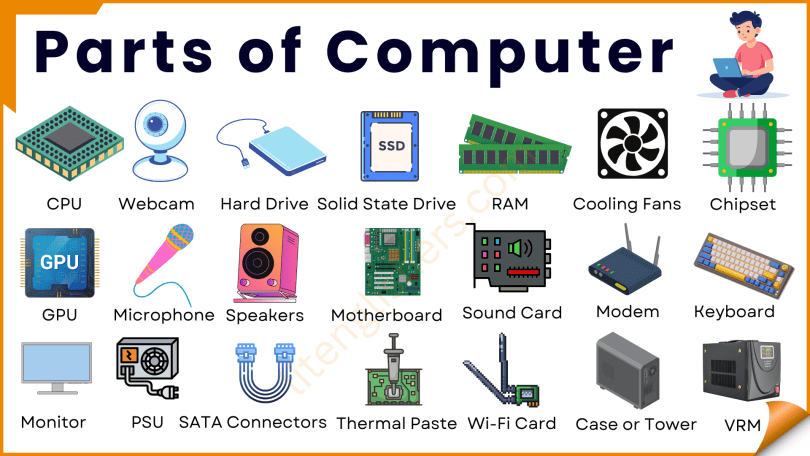
Learning the names of computer parts in English is important for students, beginners, and anyone using a computer in daily life. These words help you talk about a computer, explain problems, or understand instructions. In this short and simple guide, you will learn common and uncommon parts of the computer with easy meanings.
What Are Computer Parts?
Computer parts are the different pieces that make a computer work. Some are outside the computer (you can see and touch them), and some are inside the computer (you cannot see them easily).
Why Learn Computer Parts in English?
- Helps in daily computer use
- Useful for computer classes
- Important for IT jobs and basic tech help
- Makes you more confident using a computer
External Computer Parts Names
These parts are mostly visible and used every day.
- Monitor – A screen that shows what you are doing.
- Keyboard – Used for typing words and numbers.
- Mouse – A small device to move the pointer on the screen.
- CPU (Central Processing Unit) – The main box of the computer.
- Speaker – Used to hear sound or music.
- Printer – Prints documents or pictures on paper.
- Scanner – Copies papers or pictures into the computer.
- Webcam – A small camera used for video calls.
- Microphone – Used to record or send your voice.
Internal Computer Parts Names
These parts are inside the computer and help it run.
- Motherboard – The main circuit board inside the computer.
- Processor (CPU Chip) – The brain of the computer.
- RAM (Random Access Memory) – Makes the computer run fast.
- Hard Disk / SSD – Stores data, files, and software.
- Power Supply Unit – Gives power to all parts inside.
- Cooling Fan – Keeps the computer from overheating.
- Graphics Card – Helps show good images and videos.
- Sound Card – Improves sound quality.
Computer Parts Names with Pictures
These are extra parts used in special cases.
- External Hard Drive – Extra storage for files.
- UPS (Uninterruptible Power Supply) – Keeps power on when electricity goes off.
- Touchpad – A flat mouse area, mostly on laptops.
- Joystick – Used for playing games.
- Projector – Shows the screen on a wall or board.
- Docking Station – Connects laptop to many devices at once.
- Ethernet Cable – Connects computer to the internet with wire.
- Wi-Fi Adapter – Helps computer connect to wireless internet.
- Card Reader – Used to read memory cards.
- VR Headset – Used for virtual reality experience.
Computer Parts Names in English
Here’s a complete list of computer parts names in English with pictures:
- Monitor
- Keyboard
- Mouse
- CPU (Central Processing Unit)
- Speaker
- Printer
- Scanner
- Webcam
- Microphone
- Motherboard
- Processor (CPU Chip)
- RAM (Random Access Memory)
- Hard Disk
- SSD (Solid State Drive)
- Power Supply Unit
- Cooling Fan
- Graphics Card
- Sound Card
- External Hard Drive
- UPS (Uninterruptible Power Supply)
- Touchpad
- Joystick
- Projector
- Docking Station
- Ethernet Cable
- Wi-Fi Adapter
- Card Reader
- VR Headset
- CD/DVD Drive
- Heat Sink
- Network Interface Card (NIC)
- Case (Computer Chassis)
- BIOS Chip
- CMOS Battery
- Expansion Slot
- USB Port
- HDMI Port
- VGA Cable
- Bluetooth Adapter
- Modem
- Router
- LAN Cable
- Power Cable
- Flash Drive (USB Drive)
- Stylus Pen
- Trackball
- Fan Grill
- Ribbon Cable
- PCI Card
- Heatsink Fan
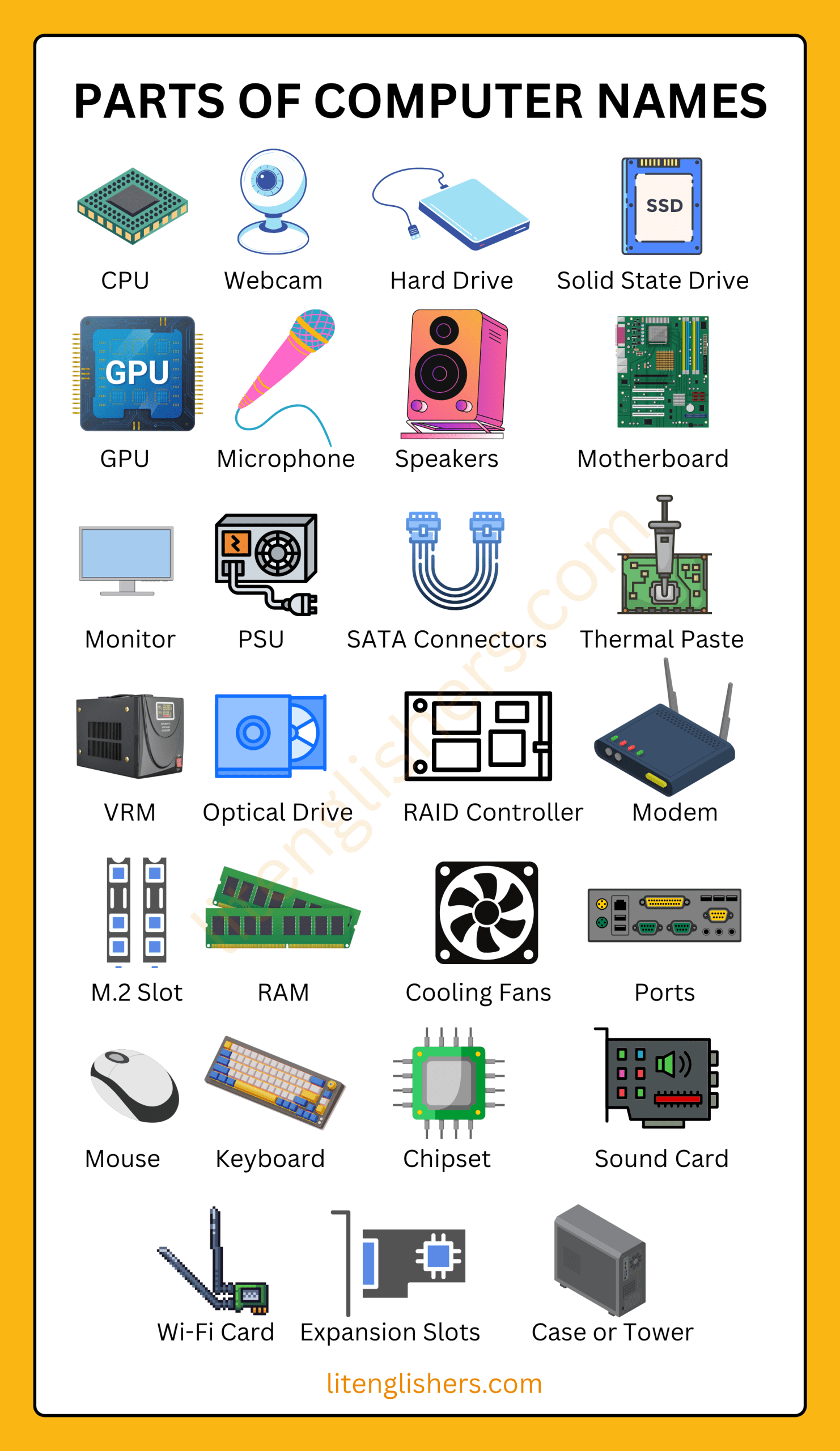
Parts of Computer Names
Read More